Every kind of text.
One Mac app.
Notes, documents, Markdown and code. A native editor for your Mac.
Explore xNotepadMac App Store release in preparation. Requires macOS 13 or later.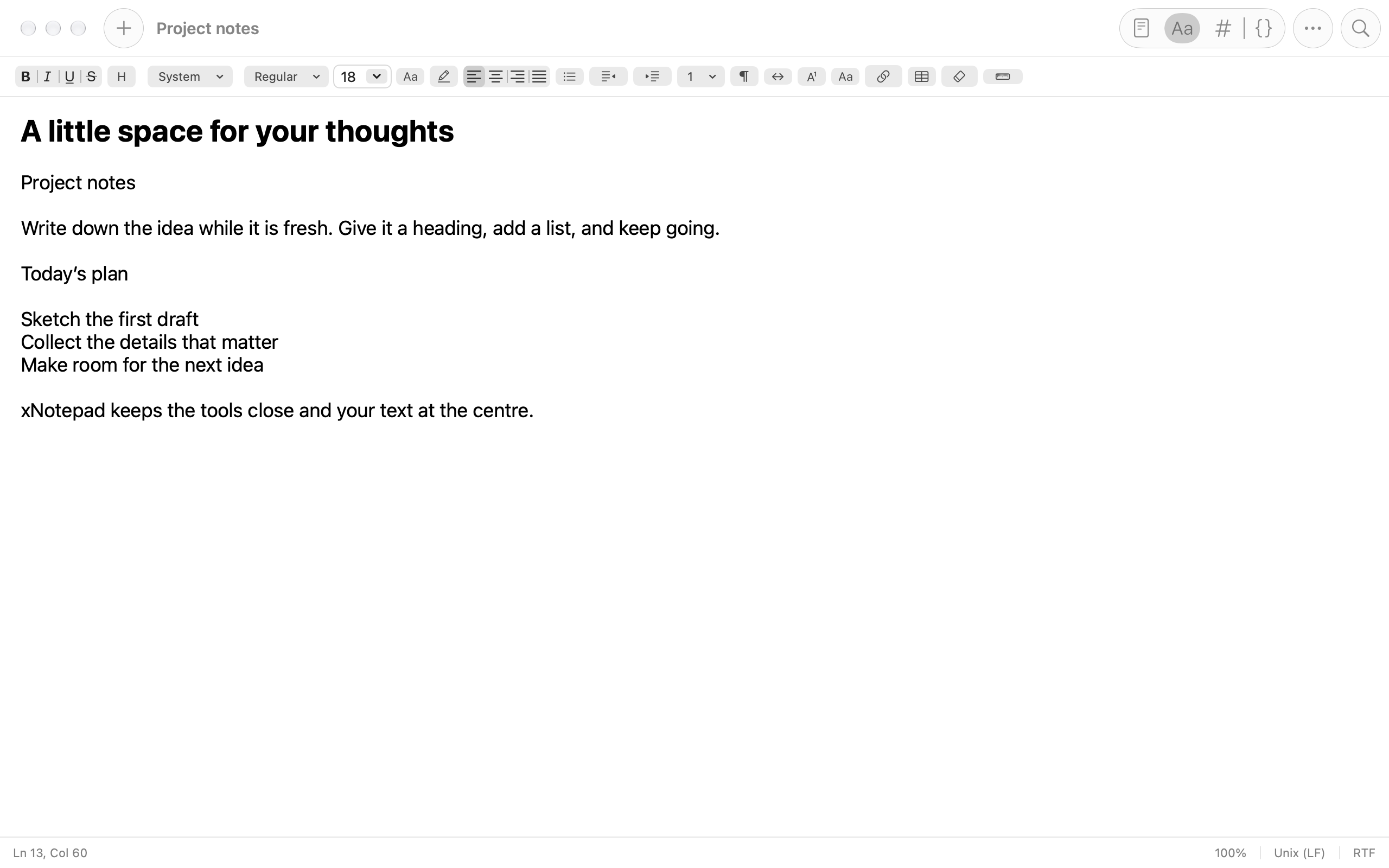
A fresh page.
Your choice of tools.
Choose the right mode for the file in front of you.
From a quick note
to the first draft.
- Plain Text
- A simple page for everyday notes. Find, replace and jump straight to a line.
- Rich Text
- Font, colour, headings, lists, tables and inline images. Import Word documents as editable copies.
- Markdown
- Write the source and keep a live preview beside it. Your Markdown stays Markdown.
- Code
- Highlight 192 languages. Check JavaScript, TypeScript and JSON syntax without running your code.
Your notes stay
on your Mac.
No account. No analytics. No cloud upload. xNotepad works offline and saves your files where you choose.
Read the privacy policy
Meet your next notepad.
We’re preparing xNotepad for the Mac App Store. The download link will appear here once it is available.
Questions about xNotepad?